Your Email Setup Can Look 100% Correct — And Still Be Quietly Killing Your Deliverability

A plain-English guide that shows you exactly what's silently breaking behind the scenes, how to check it yourself in minutes, and how to fix it — even if you've never touched a DNS record in your life.

Get the Guide — $27

Instant download. No account required to buy.

Built by Optin Web Solutions — the team behind Beacon's continuous email deliverability monitoring.
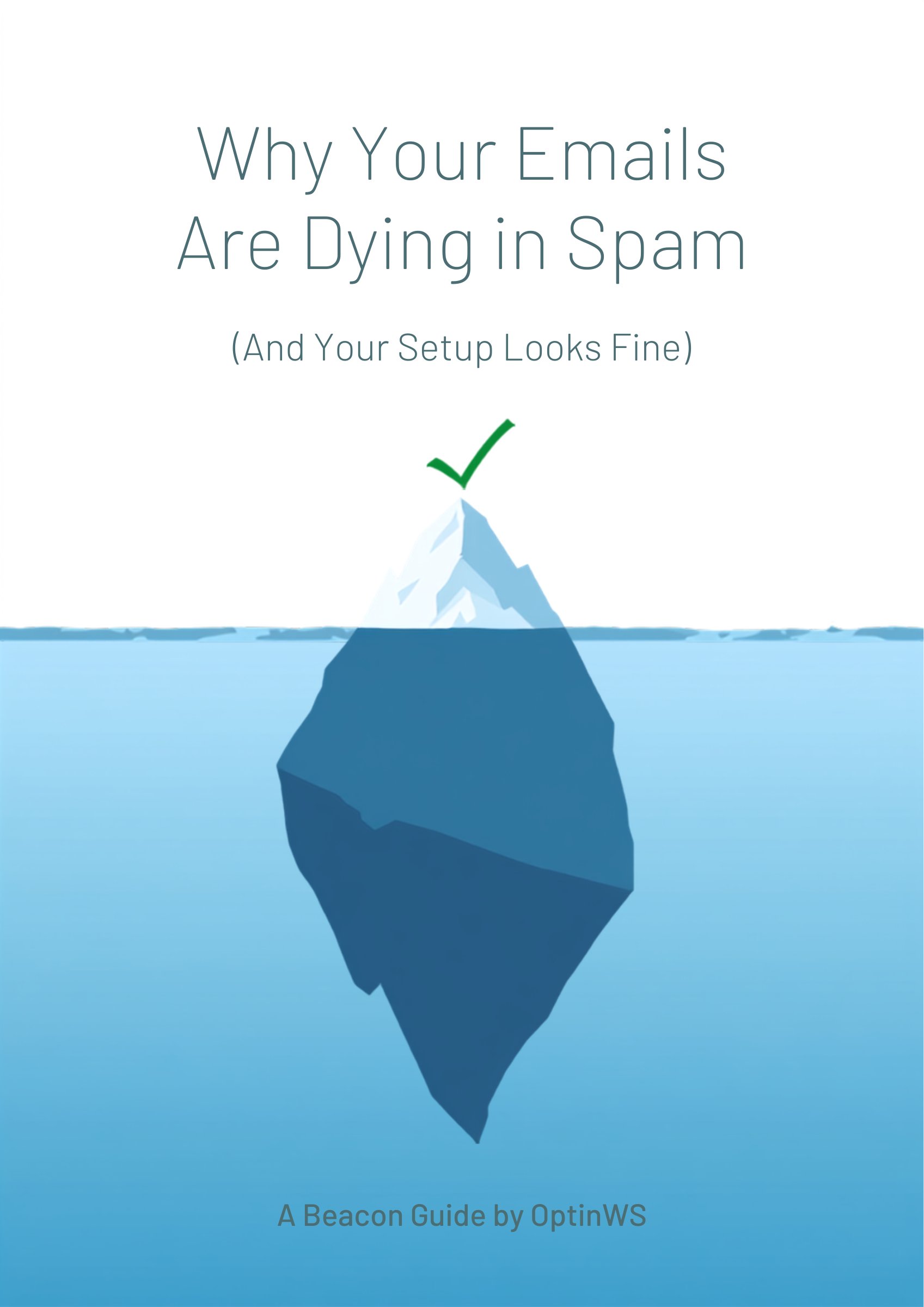
Why Your Emails Are Dying in Spam — ebook cover

Somewhere Right Now, This Is Happening To Someone

A business owner is staring at a dashboard that says everything is fine. Sending domain verified. Authentication records in place. Nothing throwing an error.

And their emails are still landing in spam.

This isn't rare. It's one of the most common — and least understood — problems in business email. Your setup can show three green checkmarks and still be failing, because "the record exists" and "the record actually works" are two completely different things. Nobody tells you that. Most tools don't even check for it.

This guide does.

Who This Is For

If you send email for your business — newsletters, invoices, client updates, promotions, anything that has to actually reach a real person — this is for you. You don't need to know what a DNS record is. You just need to know your emails are reaching people, and a simple way to check.

Small business owners sending their own email
Marketers running newsletters and campaigns
Agency owners & freelancers managing email for clients

Here's What This Looks Like In The Real World

A real domain check came back like this:

SPFFOUND
DKIMFOUND
BlocklistCLEAN
DMARCMONITOR ONLY

Three checks look completely healthy. The fourth — DMARC — showed "monitor only." The record exists. It's just not doing anything. It's the equivalent of a security camera that records footage but never alerts anyone when someone walks past.

If you stopped at the first three checks, you'd think this domain was in great shape. It wasn't. And nothing about it would have ever thrown an error, sent a warning, or shown up as a "failure" on a basic pass/fail scanner.

That's the gap this guide exists to close.

What's Inside

Common Questions

Do I need any DNS or technical experience?

No. Every step is written in plain English and assumes zero prior knowledge — if you can copy and paste a value into a text box, you can follow this guide.

My domain already shows SPF and DKIM as "found" — do I still need this?

Probably, yes. "Found" only means the record exists — not that it's configured correctly. The real-world example above shows a domain with three green checkmarks that was still failing. This guide teaches you to check for that gap yourself.

Is this a subscription?

No. It's a one-time $27 purchase. You get instant access to the PDF and it's yours to keep — no recurring charge.

What exactly do I get after I buy?

An instant PDF download, plus a copy emailed to you automatically. No account or login required.

Do you offer refunds?

Because this is an instant digital download, all sales are final once the guide has been delivered.

What This Actually Costs You If You Skip It

Every email that lands in spam is a conversation that never happened — a sale that never closed, a client who assumed you ghosted them, a subscriber who quietly stopped opening your emails months before you noticed.

That cost compounds. Most people don't catch it until they've already lost weeks or months of deliverability to a problem that would have taken an afternoon to fix.

This guide costs $27. It's the thing we wish every business owner had before they lost real money to a problem they couldn't see.

$27
Get the Guide — $27

Instant download. No account required to buy.

All sales are final — see FAQ above for details.